
WordPress Plugin · Localization
Simula Levantine Dates for Arabic Sites
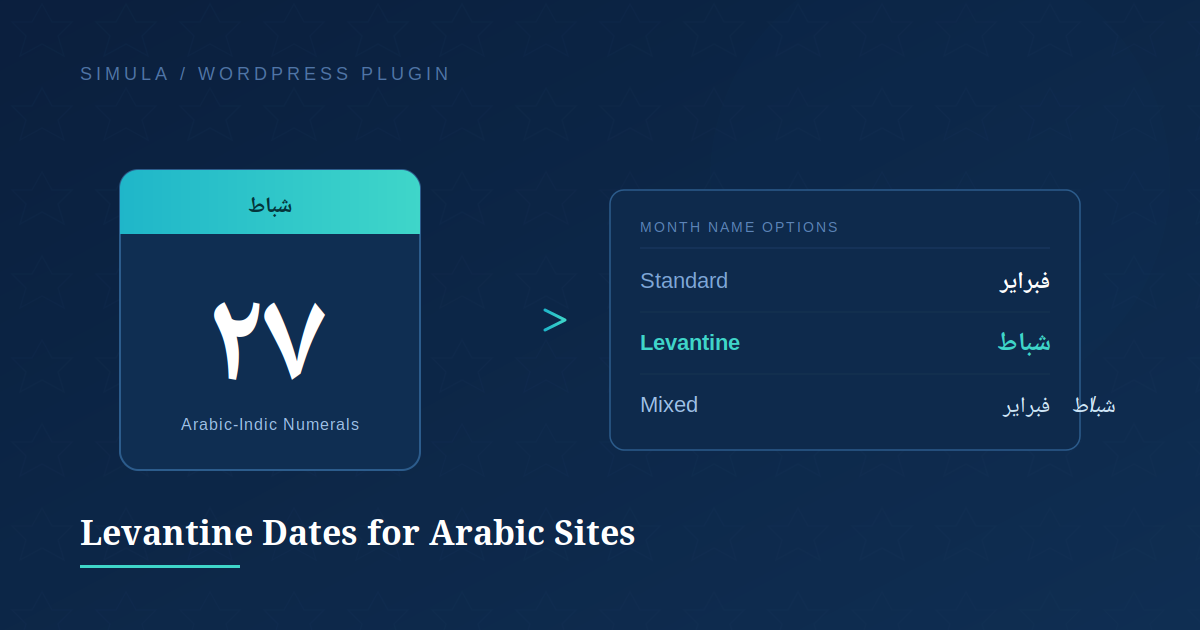
Show dates the way Levantine readers actually speak them — شباط instead of فبراير, ١٢ instead of 12 — without touching a single template file.
Most Arabic WordPress sites default to Modern Standard Arabic month names and Western-style numerals in their post dates. Simula Levantine Dates for Arabic Sites gives admins a simple settings screen to switch to Levantine month names, Arabic-Indic numerals (١٢٣), or a mix of both — instantly, sitewide.
What it does
Arabic-Indic Numerals
Display ١، ٢، ٣ instead of 1, 2, 3 in every WordPress date and time output.
Levantine Month Names
Swap فبراير، مارس for the Levantine شباط، آذار your readers actually use day to day.
Mixed Display
Show both naming systems together — شباط/فبراير — for sites bridging dialect and standard usage.
Before & after
Default WordPress
تم النشر في 12 فبراير 2026
With This Plugin
تم النشر في ١٢ شباط ٢٠٢٦
Installation
1. Find it
Plugins → Add New → search “Simula Levantine Dates”
2. Activate
Install Now, then Activate from your plugins list.
3. Configure
الإعدادات → نسق التاريخ في بلاد الشام → pick your month style.
Note: Site language must be set to العربية for the settings screen and month-name swap to take effect.
Developed by Simula Lab Ltd · Licensed GPL-2.0